

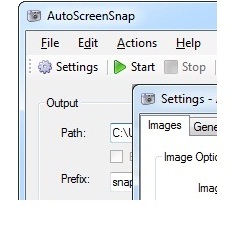
Take snapshots of your screen with a single click / key combination or auto-snap-ically at specific intervals.
Capture each step of your online orders, meetings, internet activities of kids/family or guests. Advanced users can also monitor their servers and much more.
- Free updates
- Best price
- Lots of features
- Bulk license purchases
FREE updates
-

Snaps for everything
Create screenshots for Meetings, Presentations, User Manuals and Websites. You can also create stills from a video or a movie.
-
Snaps for everyone
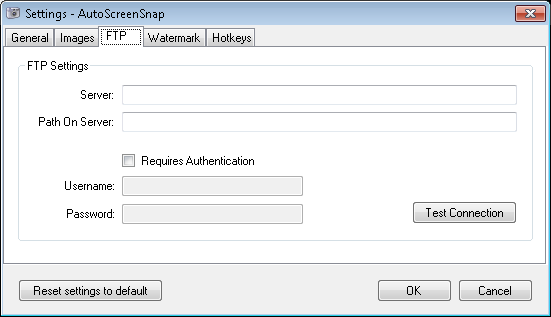
Advanced users can monitor activities on their servers including jobs, troubleshooting etc, with options to remove duplicate images. You can also set up FTP locations to store the captured images.
-
Lots of features
Create super cool snapshots of your full screen or part of your screen with a single click or on schedule. More features will come out soon. Above all, free updates for life.
-
Supported formats
All available image formats are supported including BMP, TIFF, PNG, GIF and JPEG to name a few. Also supported on most operating systems including XP, Vista, Windows 7.
-
Have some fun
Generate any number of random images quickly for testing your applications or any other purposes. Size of the image files can be controlled by changing the quality settings.
-
Watermarks
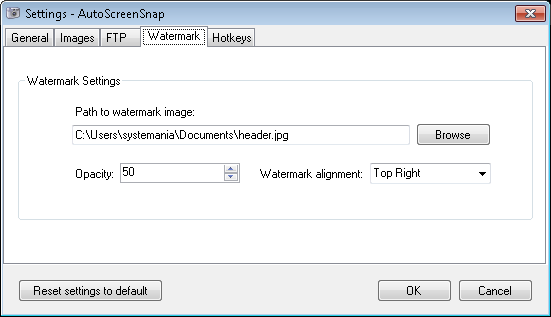
Easily include your watermark in your presentations, manuals etc. Just click and adjust the opacity and the location of your mark.
-
See your snaps
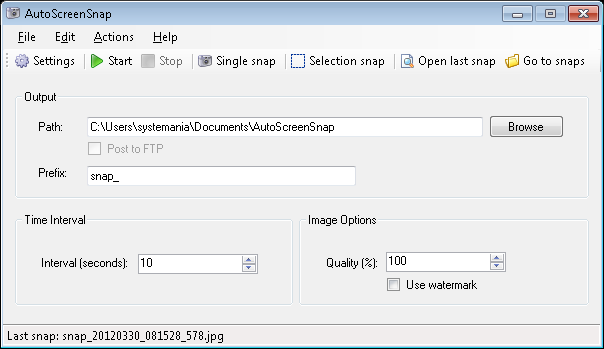
Easy snap review – you can open your last snap or go to your designated snap directly with the click of a button.
-
Hotkeys
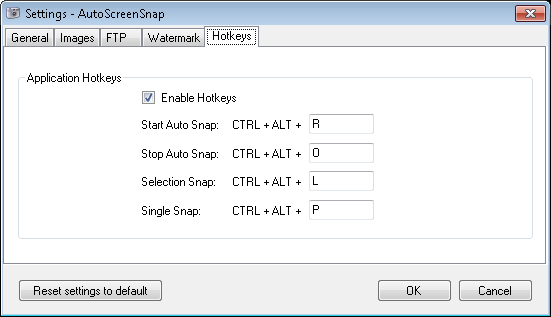
Specify your own hot keys to take a single snap or to start, stop or select a snap in progress.
-
Stealth mode
Find out how your computer at home is being used by family or guests using our "stealth" mode.
-
Snap names
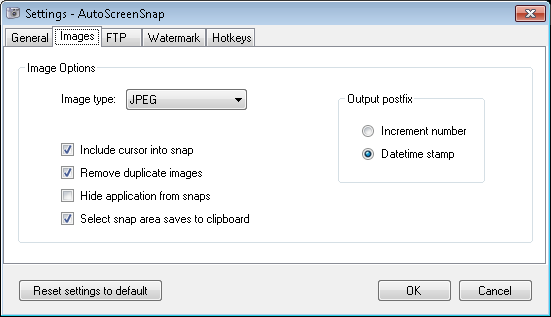
Your snaps can be date time stamped or assigned increment numbers.
|
|
How many PC's can I install the application on?
Your purchase of the application will allow you to install and use the software on one PC. If you need a bulk license purchase, please contact us for your special order.
How do I update the application?
Our products use our own internal software update service. With just the click of a button within the application, you will be directed to our website and you will be notified of the latest version as well as give you access to features such as version history and changelog details.
AutoScreenSnap is fully tested and certified on:
Workstations: Windows 7 and 10
Servers: Windows 2008 RC2, 2008 and 2003
Minimum Requirements
Microsoft Windows Operating System
.NET Framework 4.0
800MHz processor
512MB of RAM
200+ MB hard drive space
Customer Feedback
- The best screen capturing application ever. So many features for such a low price.
I'm thrilled.
Constantine, Virginia. - Extremely easy to set up and use. We used it to troubleshoot an issue with one of
the servers that crashed at random times. AutoScreenSnap provided the exact information
we were looking for just before the crash. Worth every penny!!
Steve, Texas - For someone with minimal computer experience, I found this easy to install and use.
What a great product. It’s a great tool and gives me some comfort to know what my
kids are looking at when they are on their laptops.
Jane, London, UK - I am excited about this product. As a new business starting up, time is critical
and when personal business is done on company time, money and business is sacrificed.
This way I can make sure my employees are productive by keeping them focused on
their jobs.
Terri, Virginia

Follow Us